
How to Use CRIF High Mark’s Dispute Origination System (DOS)
Short Answer - The Dispute Origination System (DOS) helps users raise and track credit report disputes, about Repayment history, account ownership, latest payment updates, and unsolicited inquiries.
Opportunity to raise a dispute is a vital step to maintain a healthy credit score and improve creditworthiness.
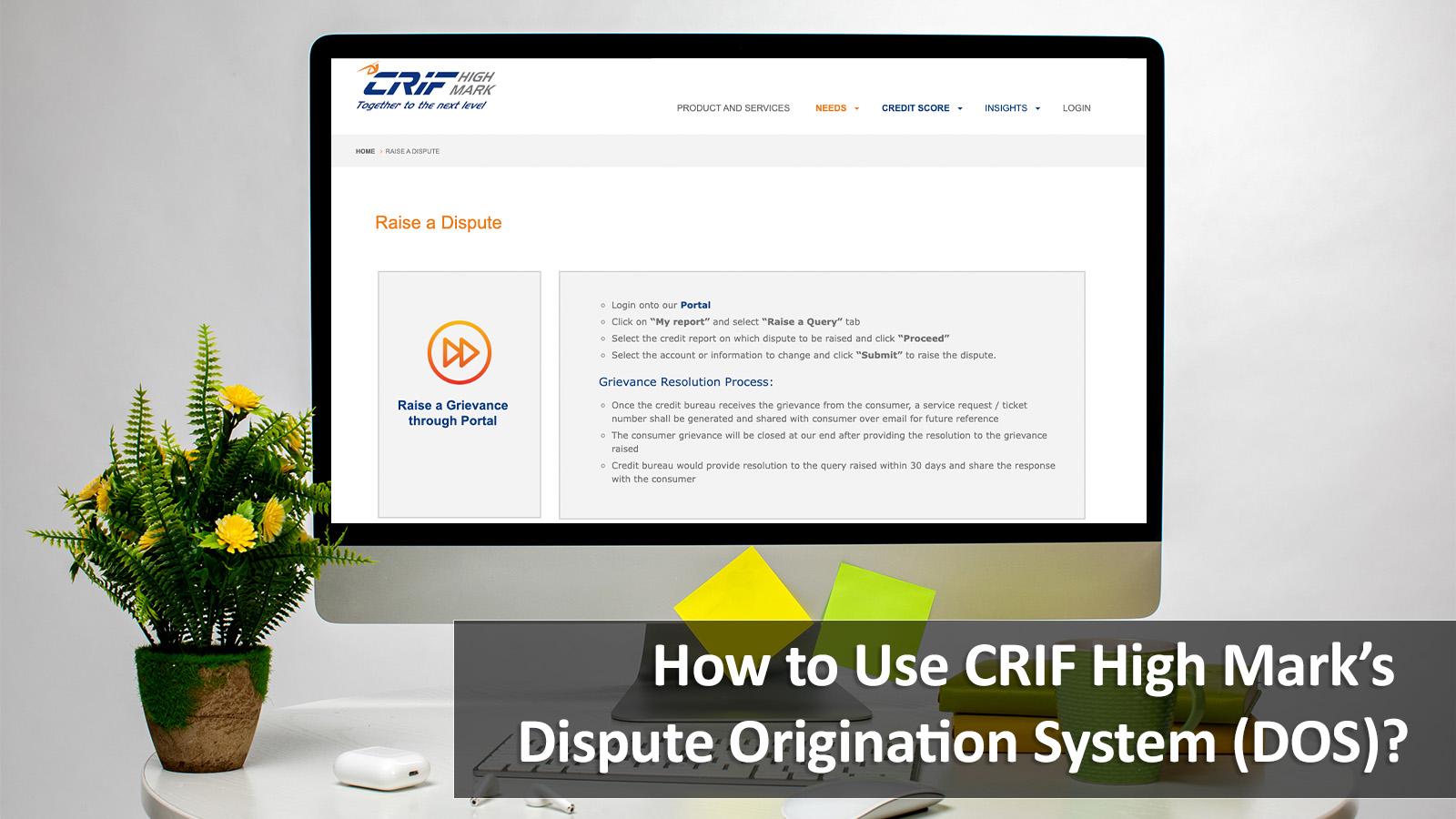
Your credit report is an essential financial document that influences your credit score, loan eligibility, and overall creditworthiness. That’s where the Dispute Origination System (DOS) comes in. It’s a simple way for individuals to raise and track credit report disputes online.
If you ever find inaccuracies in your credit report, this step-by-step guide will help you understand how to use the Dispute Origination System effectively to maintain a healthy credit score and financial record.
Understanding the Dispute Origination System (DOS)
The Dispute Origination System is an online platform that enables consumers to raise, manage, and track disputes related to inaccurate information on their credit reports.
Whether it’s a repayment history, account ownership, latest payment updates, or unsolicited inquiries, DOS enables quick submission and structured resolution of such credit report disputes.
The system is designed to make the process easy, efficient, and accessible to all customers.
Step-by-Step Guide to Raise a Dispute Online
1. Accessing the Portal
Customers can raise a dispute by visiting the CRIF High Mark website's credit report section.
- For first-time users: Visit https://cir.crifhighmark.com/free-credit-report/freeflow.
- For existing users: Log in at https://cir.crifhighmark.com/creditreport/login.
After entering the mandatory information, authenticate yourself through a one-time password (OTP).
2. Selecting the Dispute Option
Once logged in, follow these steps to raise a dispute:
- Go to My Report
- Click Raise a Dispute
- Choose the Report ID
- Select the account and specific reason to dispute
- Click Proceed
3. Reviewing and Selecting Dispute Categories
The Dispute Origination System allows users to dispute specific data points through structured sections, such as:
- Personal Details: For correcting your name, date of birth, or identification information.
- Contact Details: For updating your address, phone number, or email.
- KYC Details: For correcting Know Your Customer-related data.
- Account Details: For issues like incorrect loan accounts, repayment history, or accounts that don’t belong to you.
- IOI Related: For issues related to unsolicited inquiries.
Editable fields are displayed with a white background, allowing you to input the relevant values before submission.
4. Adding Compensation Settlement Details
Before submitting, you’ll be asked to provide your bank account details / UPI details for potential compensation in case of delayed resolution (beyond 30 days from the dispute raised). If you prefer not to share these details, simply check the opt-out box.
5. Submitting and Tracking Your Dispute
Once the dispute form is duly submitted, the system will confirm your dispute request number via email. You can monitor its progress in the Dispute History section at: https://hub.crifhighmark.com/dispute-origination-system/#/disputehistory. (Link not working. Hitesh to confirm)
Alternative Ways to Raise a Dispute
While the online portal is the most efficient method, the Dispute Origination System also provides multiple channels for users who prefer offline or assisted options.
Call Centre Assistance
You can also raise a credit report dispute by calling us on 020-4056-2001/02/03/04/05/06/07/08 (Monday to Friday, 9:00 a.m. to 7:00 p.m.). Our team will either guide you through the process or arrange a callback from a subject expert.
Chatbot Service
For a faster and interactive experience, you can use the chatbot on the official website at https://www.crifhighmark.com/consumer-grievance.
To use the chatbot, you’ll need your name, email ID, and reference number.
Walk-in Option
Customers who prefer in-person assistance can visit the office directly. Make sure to carry the following details:
- Reference number
- Account number
- Bank name
- IFSC code
- Dispute details
Physical Letters
You can also send a written letter detailing your credit report dispute. Include your CHM reference number, account details, bank name, IFSC code, and a clear description of your concern. Once received, the customer service team will initiate the dispute resolution process.
Escalating Unresolved Disputes
If your dispute remains unresolved for more than 30 days, you can escalate it to the Complaints Management System (CMS) or CPGRAM Portal under the Integrated Ombudsman Scheme 2021.
- CMS Portal: https://cms.rbi.org.in.
- CPGRAM Portal: https://pgportal.gov.in/Signin.
Why Using DOS Helps You Maintain a Strong Credit Profile
Resolving discrepancies in your credit report is a must to maintain a good credit score and ensure a fair credit assessment. The Dispute Origination System empowers consumers to:
- Quickly identify and correct errors that affect their credit score.
- Stay informed about the progress of their disputes.
- Ensure their credit history accurately reflects their financial behaviour.
By regularly checking your credit report, addressing discrepancies promptly, and using the DOS efficiently, you can prevent negative impacts on your creditworthiness.
Read More: How To Raise a Dispute on your CRIF High Mark Credit Report
Taking Control of Your Credit Information
The Dispute Origination System represents a proactive way to safeguard your creditworthiness. CRIF High Mark team brings you end-to-end solutions for any disputes related to your Credit Reports at your fingertips.
Use the system whenever you notice inconsistencies, stay vigilant with periodic credit checks, and let accuracy be the foundation of your creditworthiness.
Disclaimer: This information is provided solely for consumer awareness and does not create any obligation on the company to offer any service. For more details, customers may refer to the Consumer Grievance Redressal Policy available on our website
.